
Panthera Creations in lilac and teal above Violepurr, a purple panther cub waving beside a glowing forest pool.

Digital planners for family life

Make a plan.
Make it yours.

Editable planners for the things you juggle every week and month. Get the meals, shopping and budget out of your head and into a plan you can change as life changes.

Explore the planners

Catalogue preview Checkout isn’t open

The planner collection

A plan for the week.
A plan for the month.

Start with whichever would make life easier right now. Both planners have an editable Excel workbook and a PDF you can use on its own.

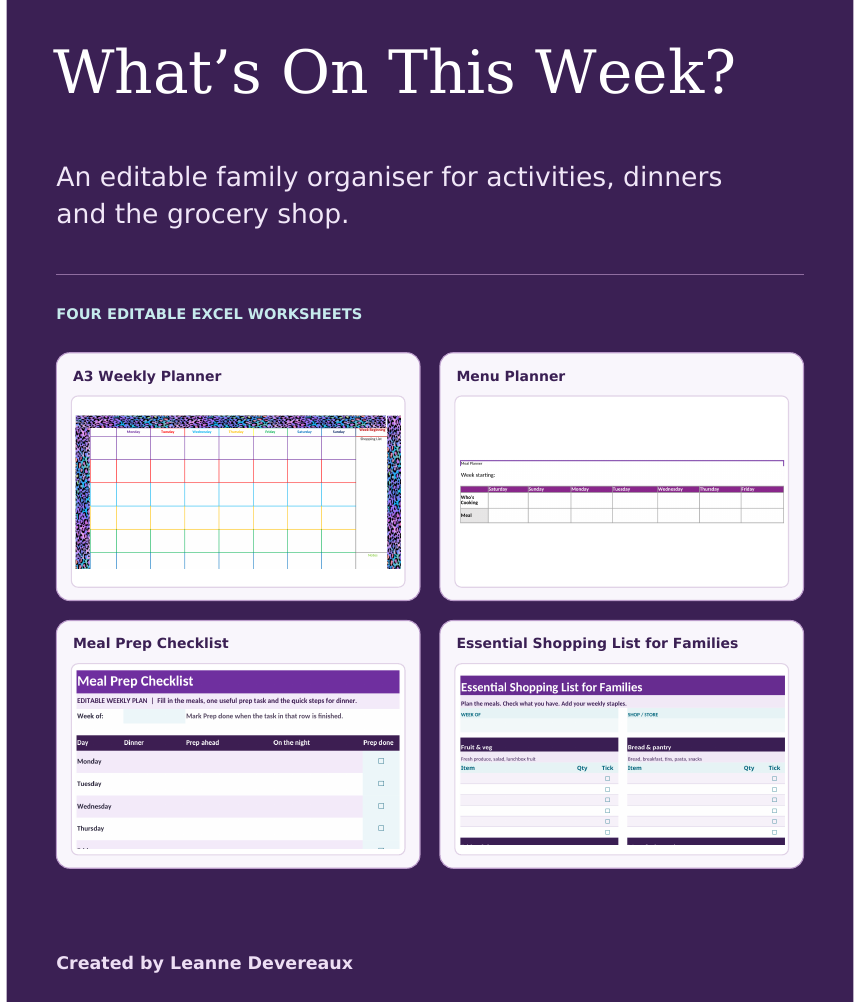
What’s On This Week? cover with previews of its four organising worksheets

Weekly family organiser

What’s On This Week?

See what’s on, who’s cooking and what you need from the shops, without chasing several different lists.

What’s inside

  • A3 Weekly Planner
  • Menu Planner and Meal Prep Checklist
  • Essential Shopping List for Families
  • Separate fillable A4 shopping list PDF
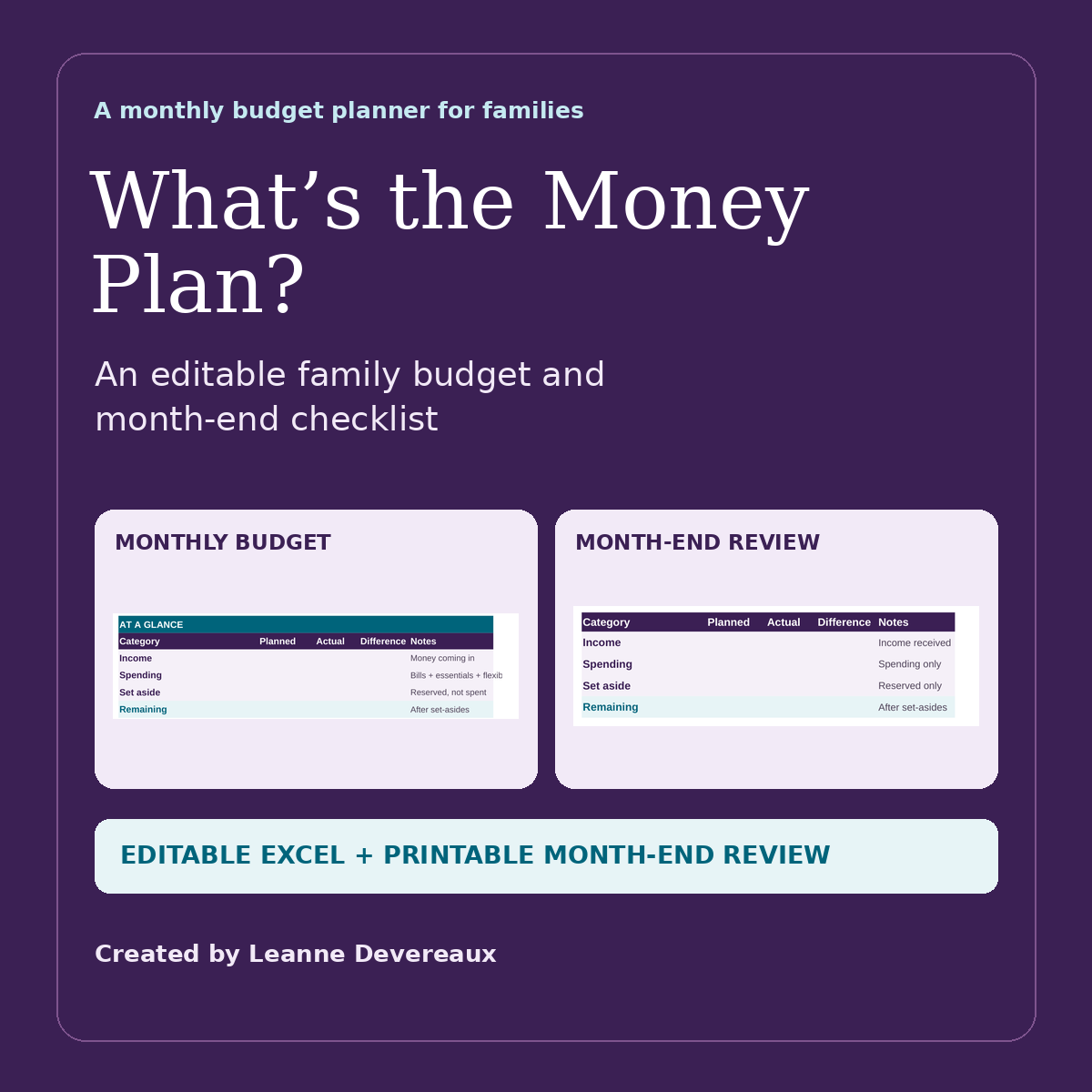
What’s the Money Plan? cover with previews of the budget and month-end review worksheets

Monthly budget planner

What’s the Money Plan?

Plan what’s coming in, record what actually goes out and decide what you’d like to change next month.

What’s inside

  • Monthly Budget with planned and actual amounts
  • Recurring Bills, with monthly averages shown separately from amounts due
  • Month-End Review with totals and space for notes
  • Separate printable A4 month-end review PDF
Violepurr, a dark plum panther cub with round ears, teal eyes and violet rosettes, waving a paw

A note from Leanne

It started on the fridge.

My weekly planner started on the fridge. I wanted one place to see what was on, who was cooking and what we needed from the shops. Panthera Creations grew from that same idea: make a plan you can see, then change it as you go.

Leanne DevereauxCreator of Panthera Creations

Good to know

Before you start.

File formats, device tips and what’s available in this preview.

What do I need to open the planners?

Use Microsoft Excel to edit the .xlsx workbook. Excel on a computer is the best starting point, especially for printing or adjusting the page layout. Use a PDF reader for the separate PDF. If the fillable shopping list doesn’t let you type in a browser preview, save it and open it in a PDF reader that supports form fields.

Are the planners digital or printed?

They’re digital files, not printed products. The shopping list and month-end review PDFs are set up for A4. The weekly planner worksheet is set up for A3 landscape.

Can I order from this site?

No. This is a catalogue preview. It doesn’t take payments, accept orders or deliver files.

How would I get my files?

Once checkout is open, use the download button on Flodesk’s delivery page after buying. See digital delivery for what’s in the download.

Shop information

Delivery, support and privacy.

This is a catalogue preview. Checkout is closed, and no orders or payments are taken here.

Digital delivery

When checkout opens, the download will be on Flodesk’s delivery page after purchase. Each planner comes in a ZIP file containing the editable Excel workbook and its companion PDF. Save the ZIP, then extract the files to open them. There’s no shipping.

Support and refunds

For a download problem or a refund request, include your order reference, the email used at checkout and a brief description. Please don’t send payment card details.

Nothing here limits your rights or remedies under the Australian Consumer Law.

Email leanne_devereaux@outlook.com for customer support or privacy questions.

Privacy

This catalogue has no forms that ask for personal information. When checkout opens, Flodesk will host checkout and delivery, and Stripe will process payments. Contact and order details will be used to fulfil the order and respond to support requests.